
Quests, XP, and progress
Prayer, rawatib, tilawah, and sedekah quests offer one small step you can keep each day.
ANDROID WORSHIP APP
Support your worship journey, one day at a time.
Download on Google PlayFrom one quest to the next Quran verse you want to return to, Muslim Leveling brings together what you need to keep your daily steps steady.
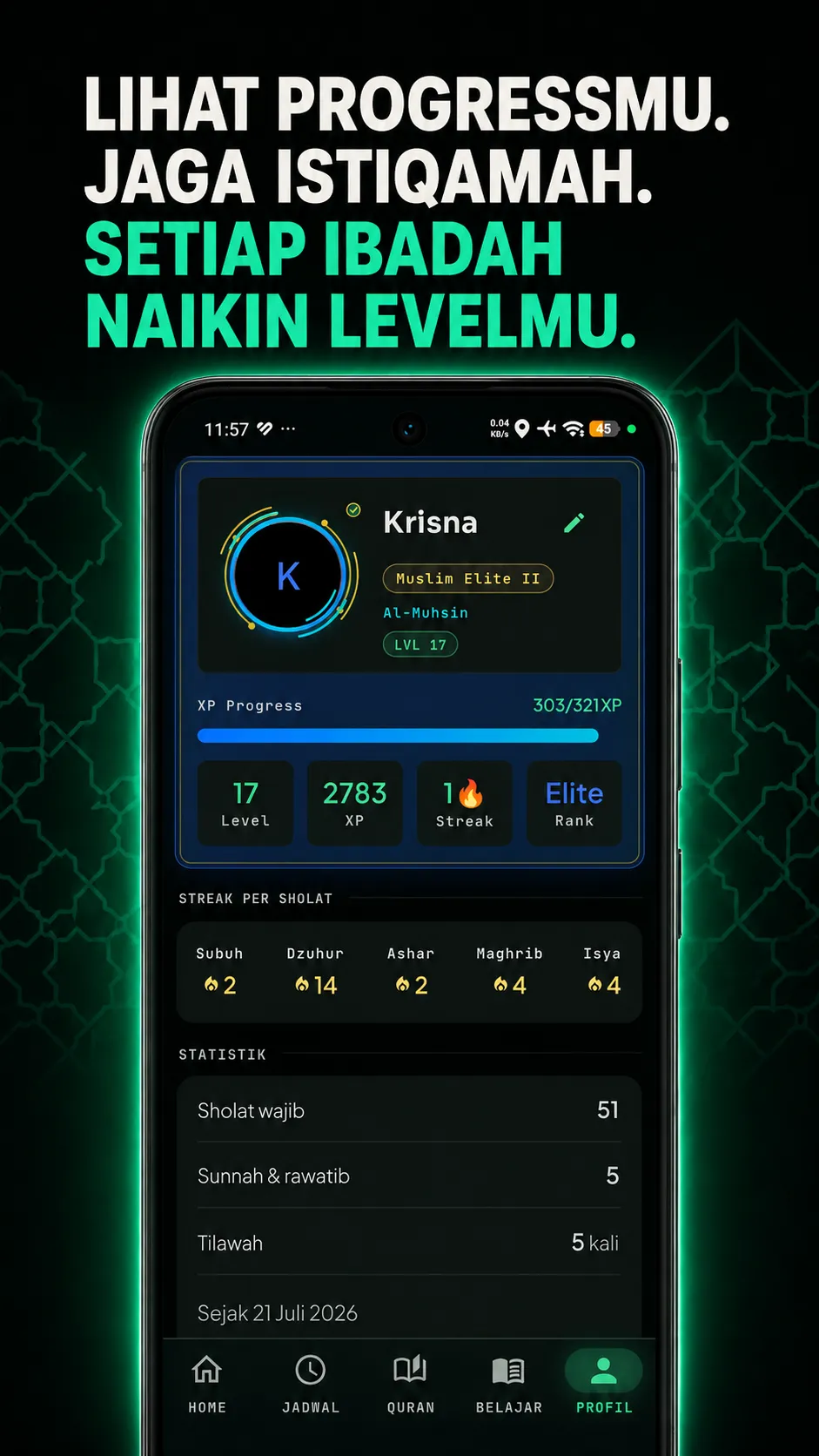
Prayer, rawatib, tilawah, and sedekah quests offer one small step you can keep each day.
Choose a city, see the next prayer time, use qibla direction, and set reminders that suit you.
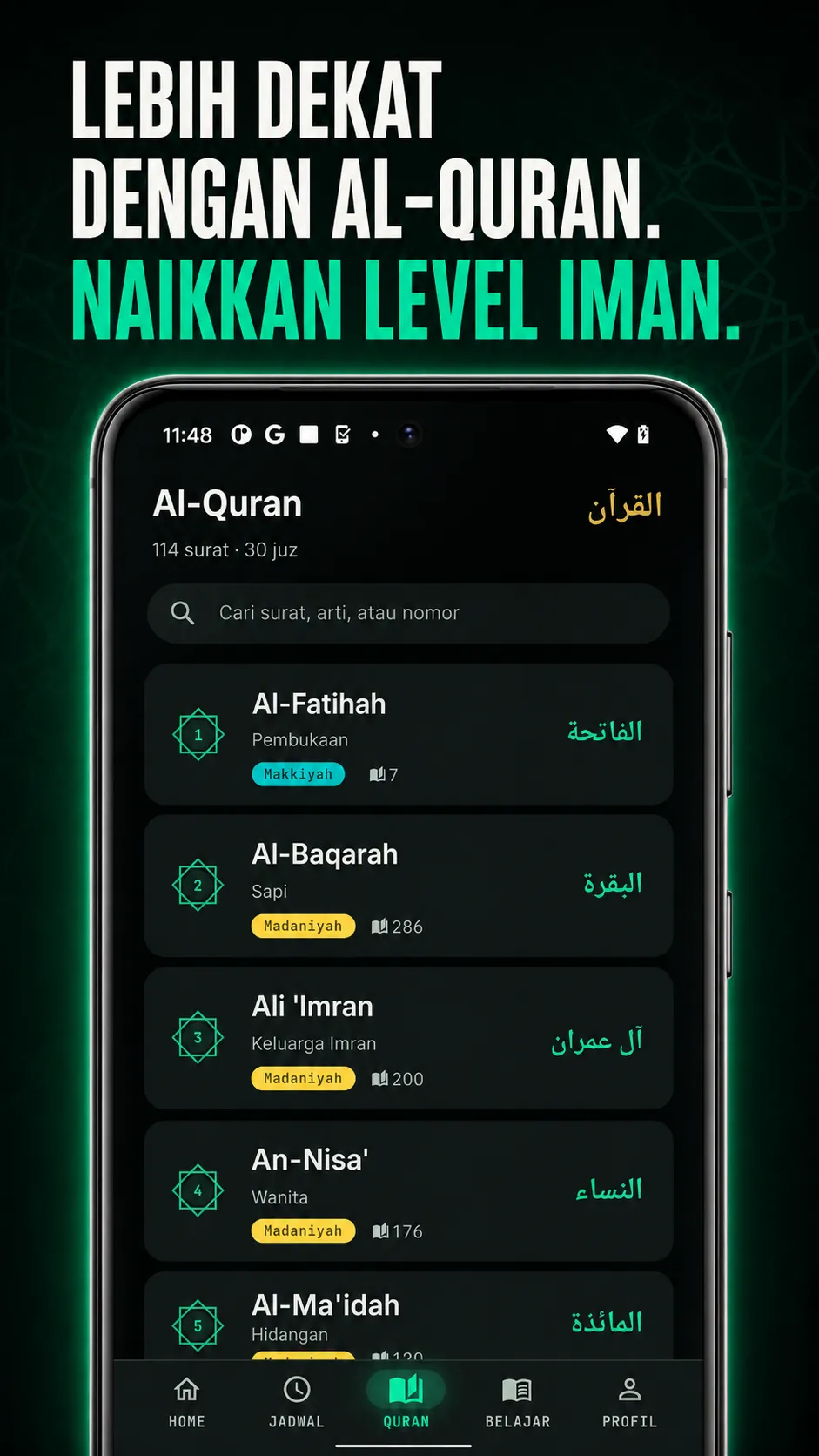
Resume your last reading, listen to murottal by verse, and choose a qari that feels right for you.
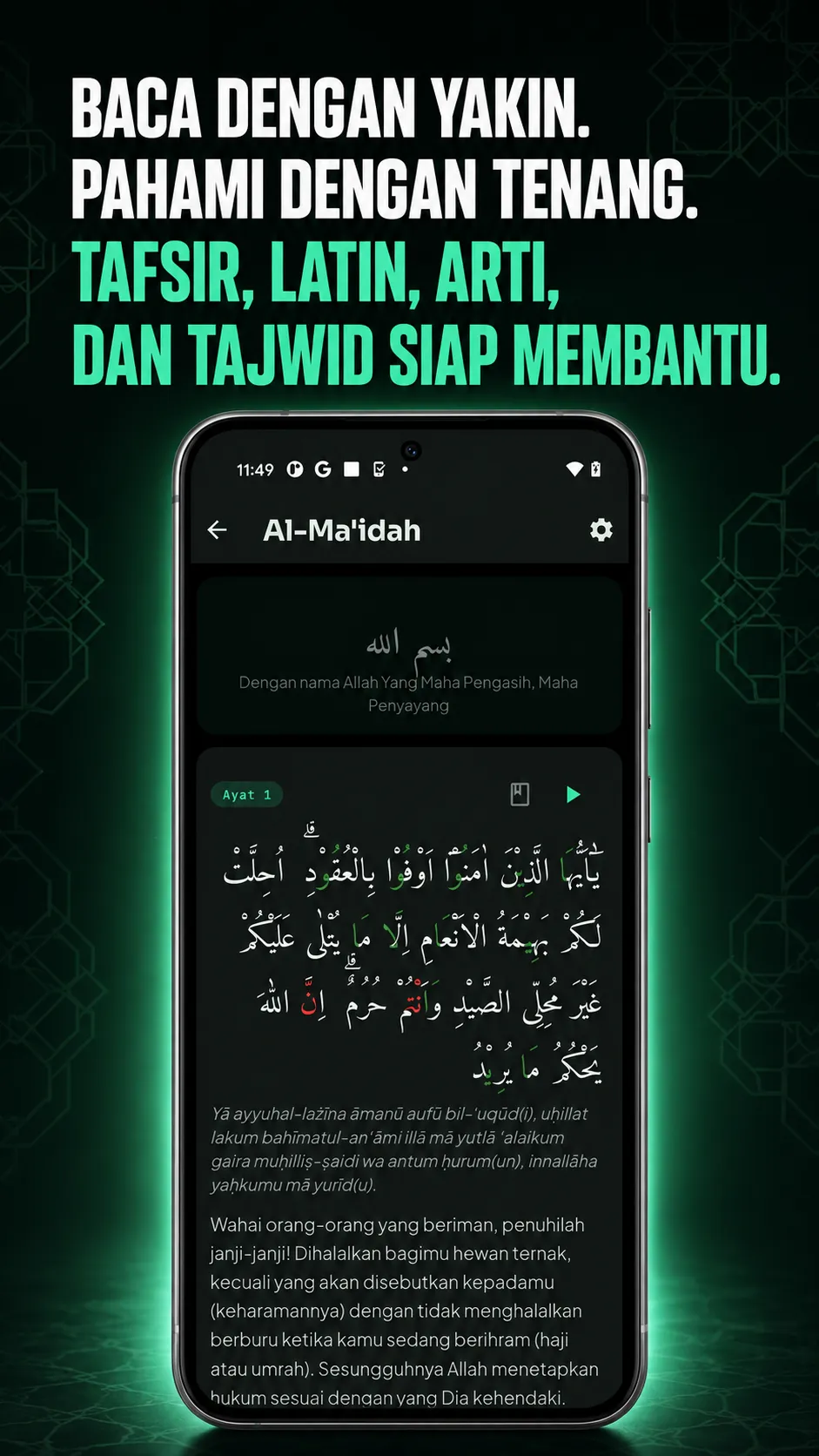
Set up reading with tajwid, Latin, translation, and tafsir whenever you need them.
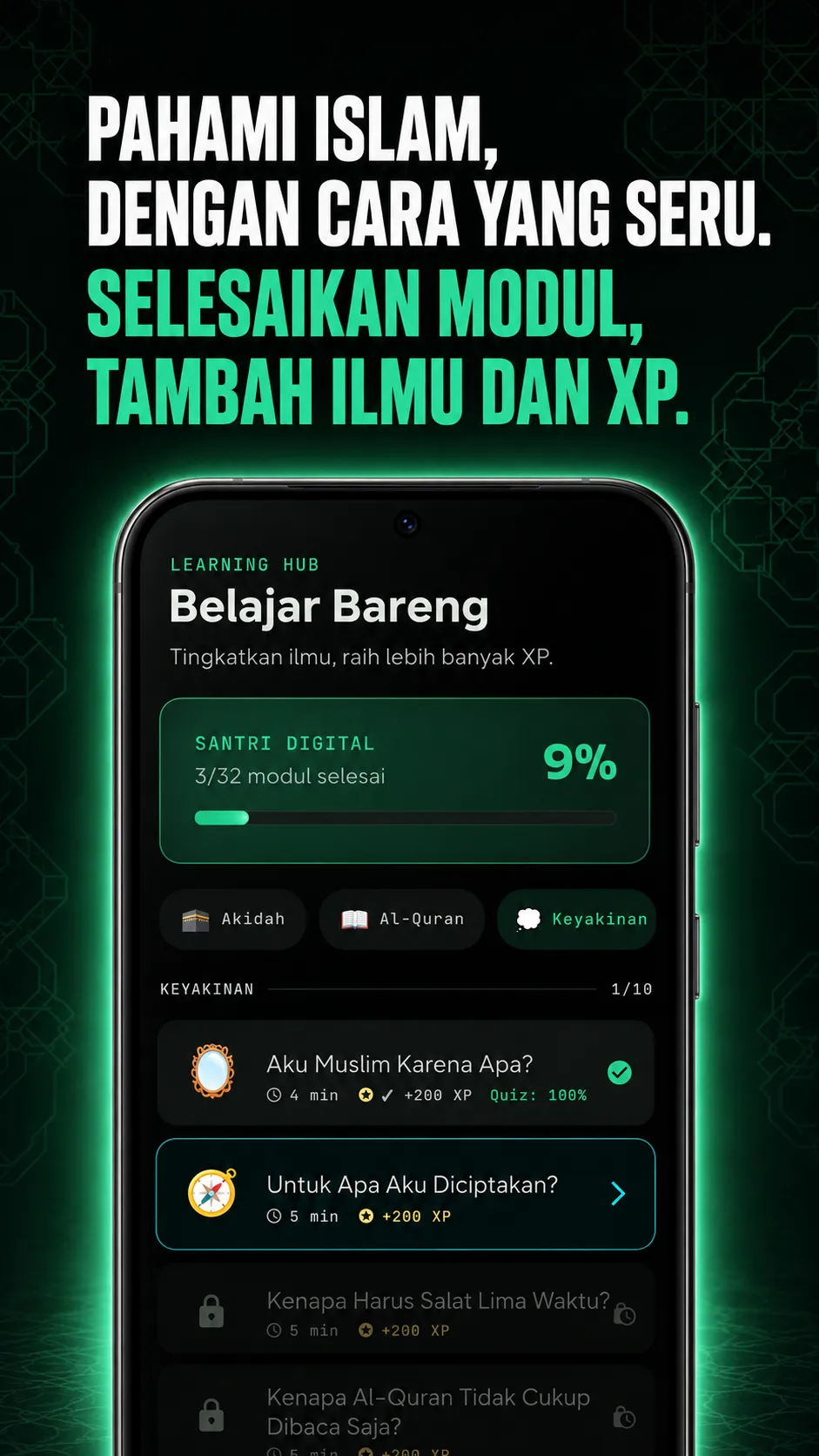
Learn Islamic material step by step, then check your understanding with short quizzes.
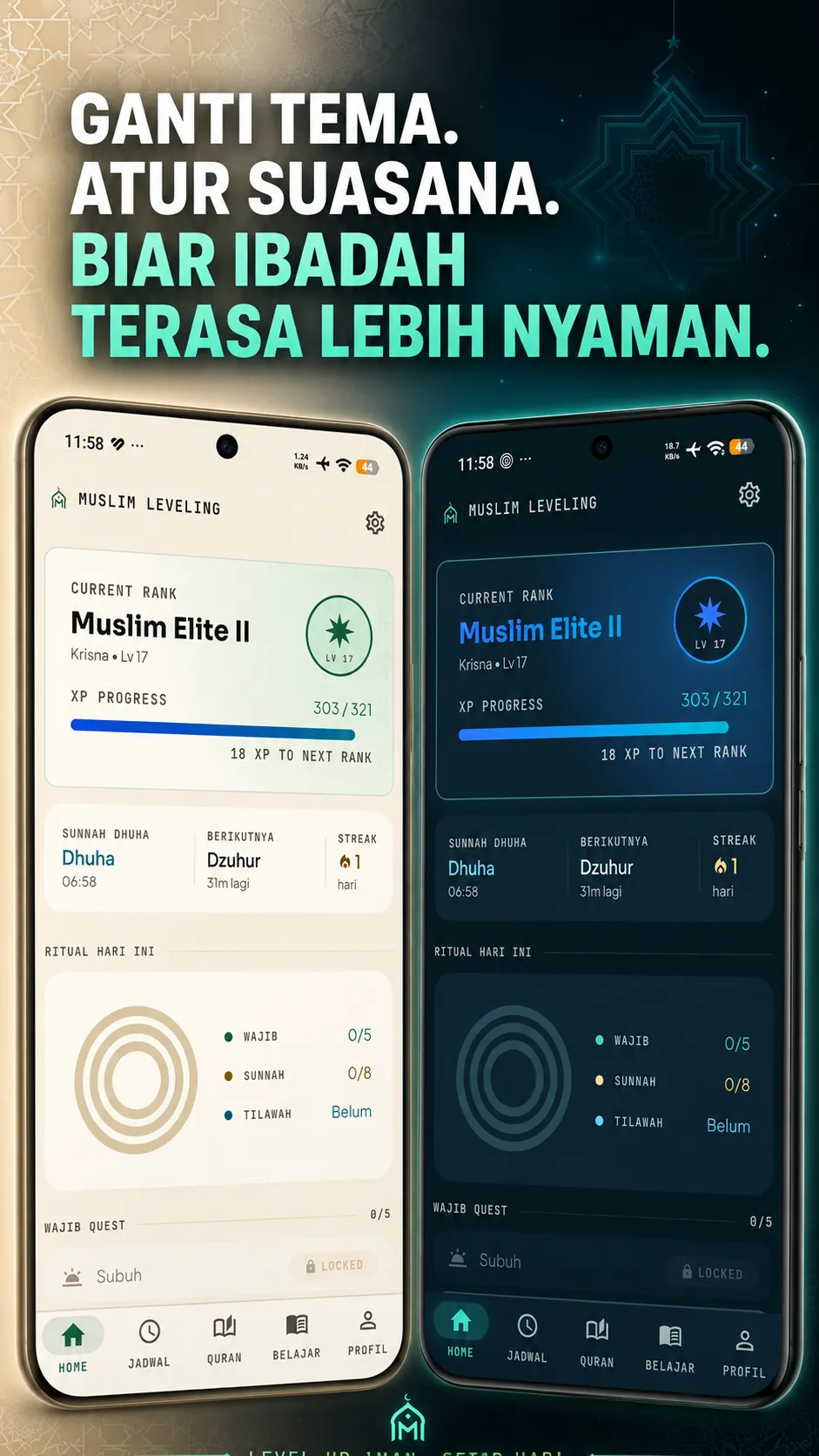
Haid mode keeps progress fair, while light and dark themes help make reading comfortable.
Choose a city, see the next prayer time, and use qibla direction when you need it.
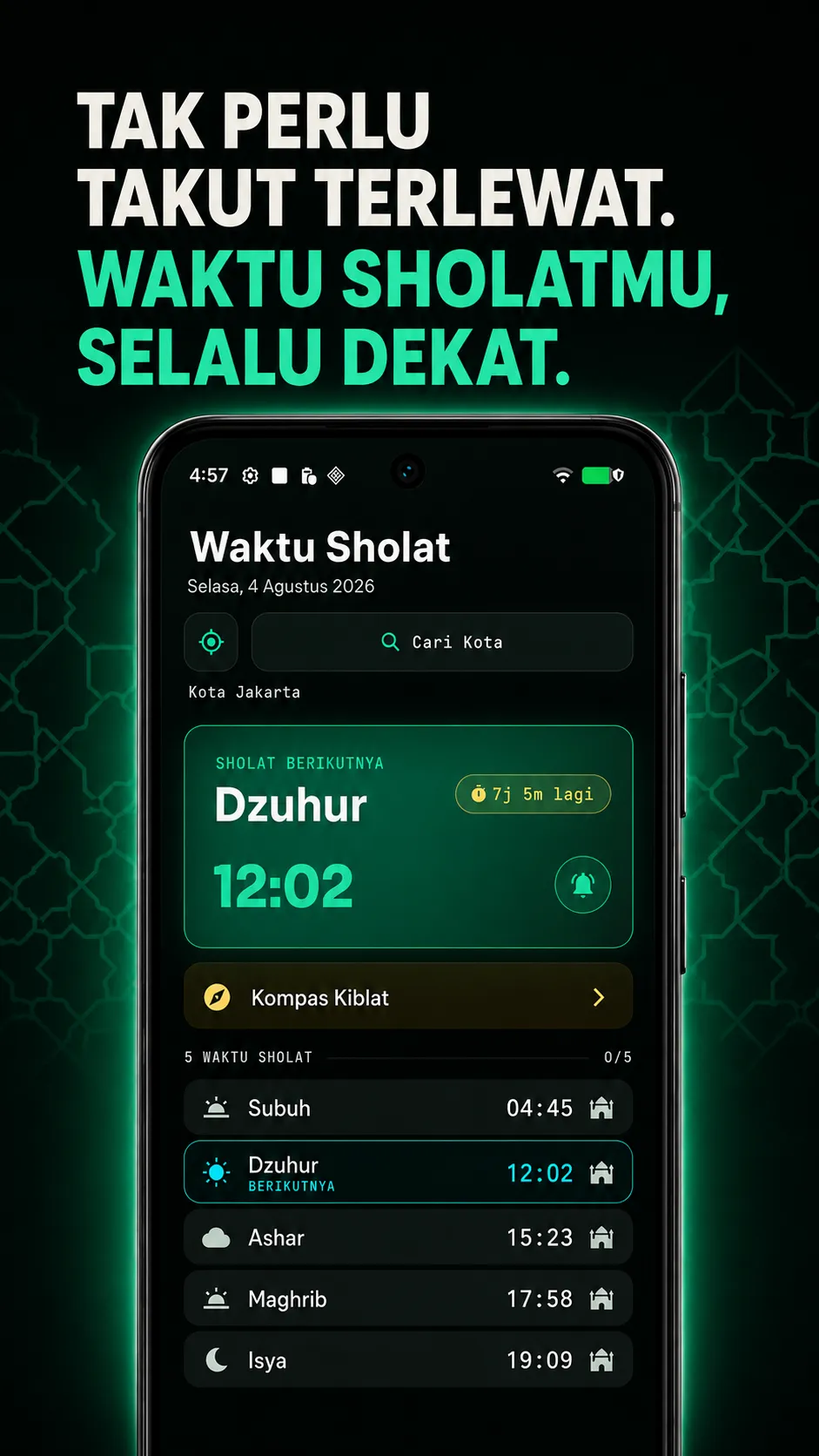
Prayer times, city selection, and qibla direction are available when needed.
Level, XP, streaks, and statistics make the steps you kept visible.
Find and resume Quran reading in one place.
Tajwid, Latin, translation, and tafsir support a calmer reading experience.
Complete modules and quizzes in manageable steps.
Choose a light or dark appearance that suits the worship moment.
Haid mode supports your journey without forcing an unsuitable rhythm. Return when the time feels right, without guilt.
Primary progress stays on your device. If you choose to sign in with Google, Muslim Leveling uses your Google account only for progress backup and sync.
Practical guides and insights to support your daily worship rhythm with clarity and peace of mind.
Daftar kumpulan doa sehari-hari yang shahih bersumber dari Al-Quran dan hadits nabi beserta artinya. Raih ketenangan batin bersama aplikasi Muslim Leveling.
Read guidePelajari keutamaan membaca Surah Al-Kahfi di hari Jumat, waktu membacanya, dan tips membagi 110 ayat agar ringan diamalkan bersama Muslim Leveling.
Read guidePanduan lengkap tata cara salat jamak dan qashar saat safar. Pahami syarat jarak, perbedaan taqdim dan ta'khir, niat, serta kemudahan beribadah bersama Muslim Leveling.
Read guideThe most common questions about Muslim Leveling, privacy, and your daily worship rhythm.
Worship requires focus and calm. We believe reciting the Quran or checking prayer times should never be interrupted by commercial banner ads or pop-ups. The app is built purely as a worship companion free of marketing trackers.
Haid Mode is designed so natural monthly cycles do not break your streak or reset your progress. When activated, prayer requirements pause fairly without guilt, and you can still engage in listening to murottal or learning Islamic modules.
Yes. Core features including Quran reading, qibla compass, learning modules, and local quest tracking work completely offline. An internet connection is only needed when downloading murottal audio or syncing optional backups to your Google account.
Prayer times use official Indonesian municipal coordinates aligned with eQuran.id and MyQuran.com calculations (following Ministry of Religious Affairs standards). You can select your city manually without granting location permissions.
You can optionally sign in with Google. Your level, XP, and achievements will be backed up securely to an encrypted Supabase database tied to your account, restoring seamlessly when switching Android devices.